Introduction of video playback operations
The playback screen will be displayed and a file will play back when you select a file from the list.
 Operation of the compatible Pioneer product is not available while a video is playing. Use the smartphone.
- To go back to the video list, press the Back button on the compatible Pioneer product.
- The operation panel will not be displayed on the screen of the compatible Pioneer product.
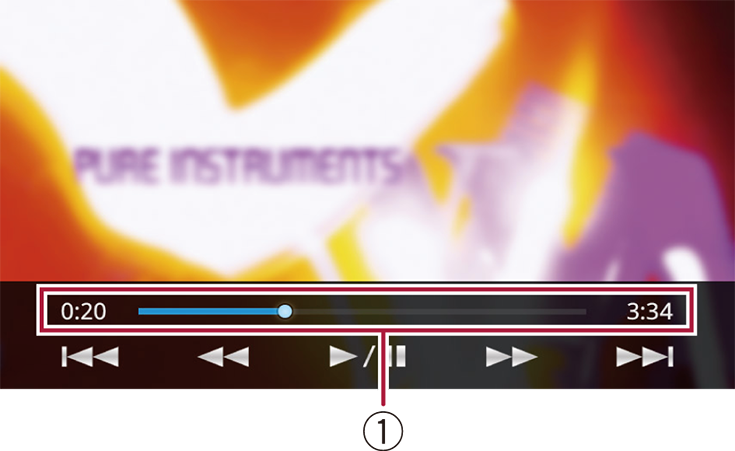
 Play time
Play time of the video file will be displayed. You can specify the playback point by dragging the scrubber bar.
 | Tapping the key switches between playback and pause. |
  | Tapping the Tapping the |
  | Tapping Tapping |


